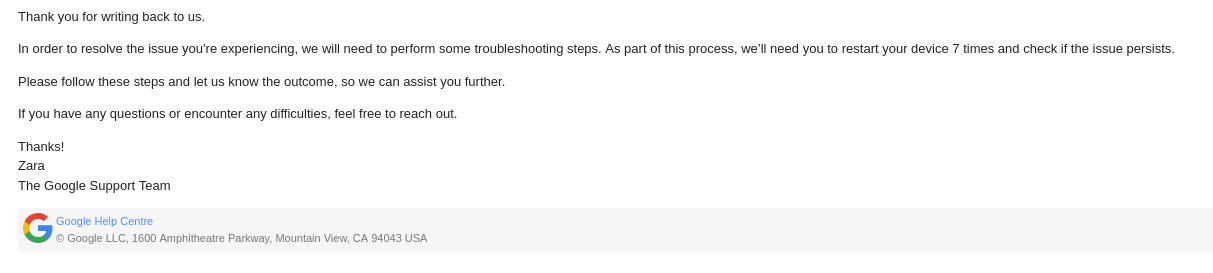
Have you tried turning it on and of 7 times?Real advice from the #Google #Pixel Support.
-
-
-
@tursiae@meow.social I am genuinely not sure if they are just fucking with me

-
@tursiae@meow.social I am genuinely not sure if they are just fucking with me
-
@monkee I could understand 2 or 3 if it triggers some sort of reflash of adjacent components.
But 7? That can't be real.
@tursiae@meow.social
They mean it. Text above was their response to me asking them if they are fucking with me cause 7 times sounds insane.
Text from the mail i responded to:We understand that you have questions about system updates. If you have trouble when you try to install a system update on your phone, there are several steps that you can try.
Restart phone 7 times
After you reboot your phone 7 consecutive times, your phone starts an alternate bootup process. Pixel has an internal restart counter and after it’s restarted 7 times, the operating system image changes to a different image.
To check if this reboot process fixes the issue, turn off your phone and turn it on 7 times in a row.
We can try the alternate reboot process. To use the alternate reboot process, restart the phone 7 times in a row. After the internal restart counter reaches 7, the phone will use the alternate reboot process to restart.
Press and hold the Power button until the menu displays on the screen.
It is from the official Google Support.
Tap Restart.
After the phone restarts, repeat Steps 1 and 2 six more times.
Check again for software updates:
On the phone, open the Settings app.
Tap System and then Software updates.
Tap Check for updates or Download & install.